Before you pay to text or call a list of numbers, it's worth knowing which of them still work. An HLR lookup tells you exactly that. For each number it checks with the mobile network whether the number is live, which operator it belongs to, and whether it was ported. Dead numbers come off your list, and you stop paying to message phones that will never receive anything.
HLR lookups are now available in every Spoof Caller ID account, at €0.01 per number.
What is an HLR lookup?
HLR stands for Home Location Register: the database every mobile operator keeps about its own subscribers. A lookup asks that database about a number right now, without calling it or sending it anything. The phone doesn't ring and the owner doesn't see anything.
For each number you get:
- Status: live, dead, or absent (the number exists, but the phone is off or out of range)
- Type: mobile, landline or VoIP
- Network: the operator, with its MCC / MNC codes
- Country
- Ported: whether the number moved from one operator to another
That last one matters more than people think. A number that started with a UK Vodafone prefix might sit on EE today, and some SMS routes price or deliver differently depending on the actual network.
How to check if a number is active, step by step
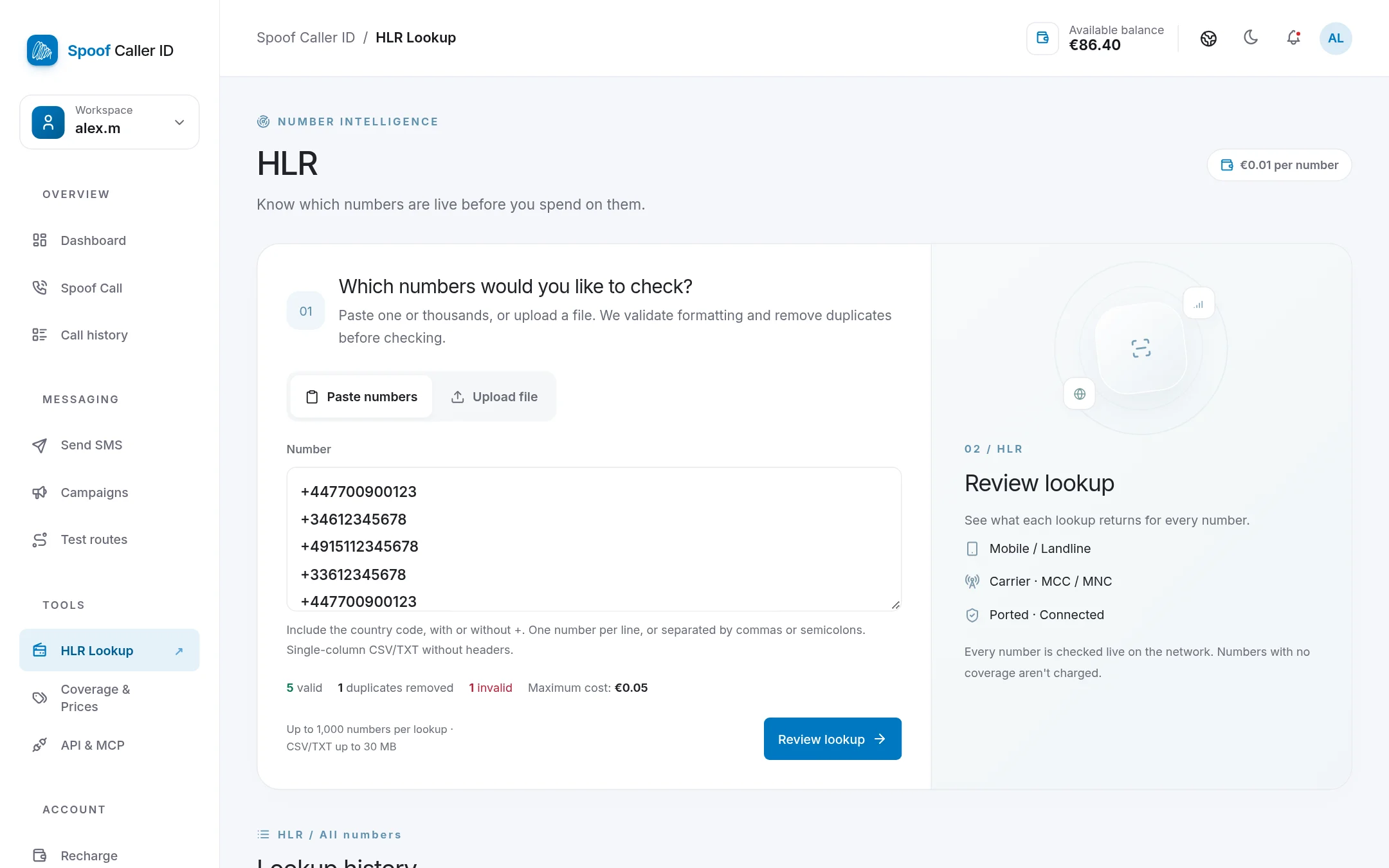
- Open HLR Lookup in the sidebar.
- Paste your numbers, one per line or separated by commas or semicolons. Or switch to Upload file and drop in a CSV or TXT with one number per line and no header row (up to 30 MB).
- As you paste, the page checks the formatting: you'll see how many numbers are valid, how many duplicates it removed, and which entries are invalid (usually numbers without a country code, like
06123…).
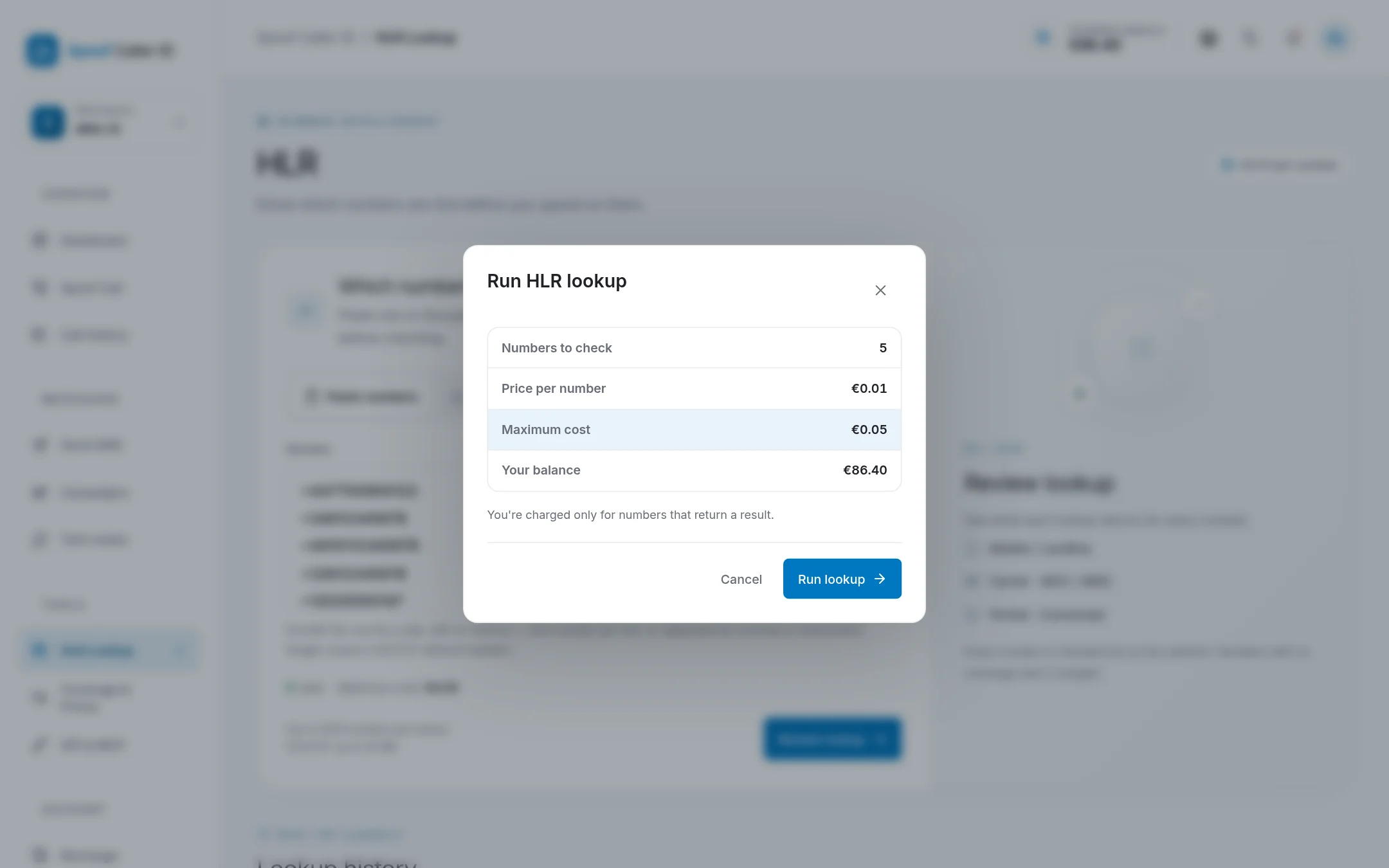
- Click Review lookup. A confirmation shows how many numbers will be checked, the price per number, the most it can cost, and your balance.
- Click Run lookup. Small lists come back in seconds.
You can check up to 1,000 numbers in one go. For bigger lists, split the file and run it in parts.
What the results mean
- Live: active and reachable. Keep it.
- Dead: disconnected or never assigned. Delete it.
- Absent / switched off: the number is real, but the phone isn't on the network right now. Worth keeping, maybe worth retrying later.
- No service / Network only: the line exists but can't take normal calls or texts. Usually not worth messaging.
- No coverage / Inconclusive: the network didn't give a clear answer. You aren't charged for no-coverage numbers.
How much does an HLR lookup cost?
€0.01 for each number that returns a result. Numbers with no coverage are free, and so are duplicates and invalid entries, because they're removed before the lookup runs. The confirmation screen always shows the maximum before you commit, and the actual charge appears as one line in your balance history.
Every lookup is done live on the network, never from a cache of old results. That's slower than looking a number up in a stale database, but the answer reflects the number's state right now, which is the whole point.
Lookup history and CSV export
Every lookup you run is kept under Lookup history, with how many numbers were live, dead or absent, and what it cost. Open one to see the result for each number, and use Export CSV to take it into Excel or Google Sheets. From there it's one filter to keep only the live mobile numbers.
A routine that saves money
If you send SMS campaigns, this order works well:
- Run an HLR lookup on the new list and keep only the live mobile numbers.
- Test your SMS routes on your own phone to pick the one that delivers in that country.
- Send the campaign.
At a cent a number, the lookup usually pays for itself the first time it removes a batch of dead numbers.
FAQ
Does an HLR lookup notify the phone owner?
No. Nothing is sent to the phone. The lookup only queries the operator's network.
Can I check landline numbers?
You can include them. HLR is a mobile-network database, so landlines usually come back as landline or not applicable rather than live or dead.
Can I run HLR lookups through the API?
Not yet. For now lookups run from the HLR page in your account.
